Prism Shaders LogoPrismShaders

Shaders, textures and the API

Shaders that make Bloxd look unreal.

14 hand-built shader packs and 1 texture packs for Bloxd.io, with the full shader API reference, versions 1 to 5, on site. Download the .zip, load it in the Shader Pack tab, apply.

39 registered with Discord

  • 14shaders
  • 1textures
  • 151downloads
  • 5.010 ratings
Cover art for Alpine WhiteoutNewYouTube FeaturedAlpine WhiteoutSnow that reads white, not grey.Snow Special · BloxdSeno

All shader packs

Every release in one place, each one installs the same way.

How to install

Lumen

Cinematic

Better Lighting and Other Improvements

Author
Aspect_SGK
Posted On
6 Nov 2026
Last Updated
11 Nov 2026
Version
1.4.0

Snow that reads white, not grey.

Author
BloxdSenoSite owner
Posted On
5 Nov 2026
Last Updated
11 Nov 2026
Version
Snow Special

Amberfall

Seasonal

The whole world, turning. Weather changing...

Author
BloxdSenoSite owner
Posted On
5 Nov 2026
Last Updated
6 Nov 2026
Version
Autumn Special

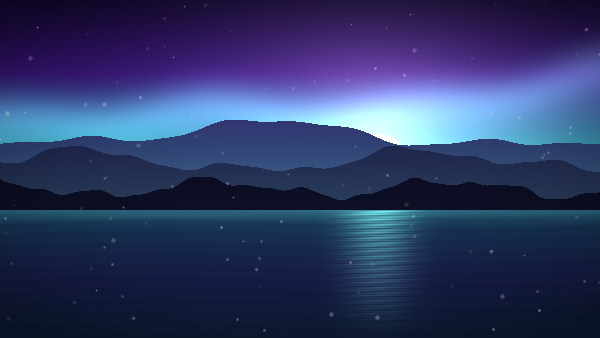
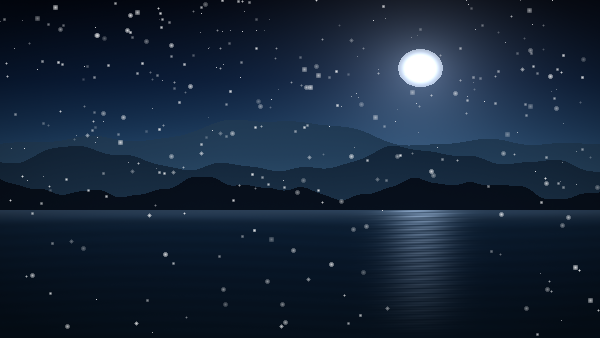
Night that still lets you see.

Author
BloxdSenoSite owner
Posted On
5 Nov 2026
Last Updated
5 Nov 2026
Version
1.0.0

Prism XT

Flagship

The full pipeline. Every material, tuned. (NOT RECOMMENDED FOR LOW END DEVICES)

Author
BloxdSenoSite owner
Posted On
5 Nov 2026
Last Updated
11 Nov 2026
Version
1.0.1

Embers, fog and a very orange moon.

Author
BloxdSenoSite owner
Posted On
5 Nov 2026
Last Updated
5 Nov 2026
Version
Halloween Special

A world that glows back.

Author
BloxdSenoSite owner
Posted On
5 Nov 2026
Last Updated
5 Nov 2026
Version
1.0.0
Ratings at releaseSoon

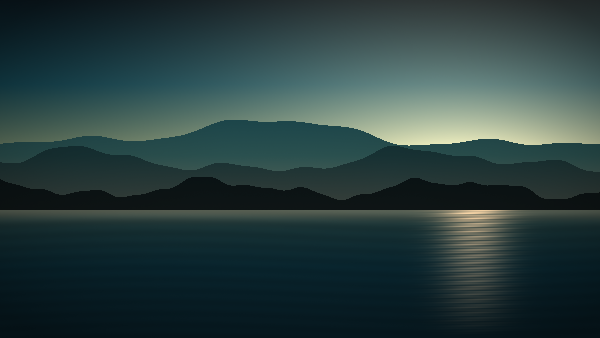
Teal shadows, amber highlights, filmic rolloff.

Author
BloxdSenoSite owner
Posted On
5 Nov 2026
Last Updated
5 Nov 2026
Version
1.0.0
Ratings at releaseSoon

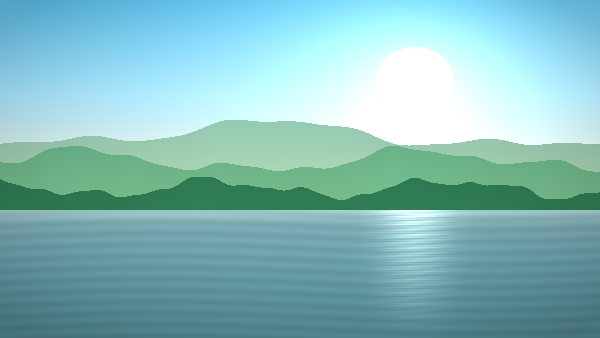
Saturday-morning colours, zero harshness.

Author
BloxdSenoSite owner
Posted On
5 Nov 2026
Last Updated
5 Nov 2026
Version
1.0.0
Ratings at releaseSoon

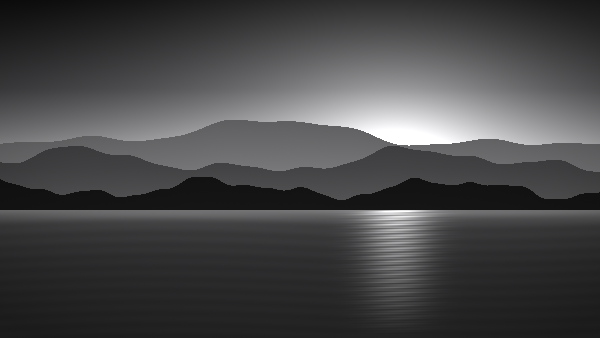
One channel, done properly.

Author
BloxdSenoSite owner
Posted On
5 Nov 2026
Last Updated
5 Nov 2026
Version
1.0.0
Ratings at releaseSoon

Cold air, warm windows.

Author
BloxdSenoSite owner
Posted On
5 Nov 2026
Last Updated
5 Nov 2026
Version
Christmas Special
Ratings at releaseSoon

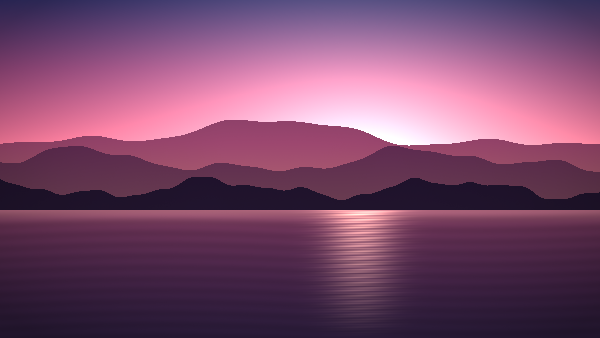
A golden hour that never ends.

Author
BloxdSenoSite owner
Posted On
5 Nov 2026
Last Updated
5 Nov 2026
Version
1.0.0
Ratings at releaseSoon

Texture library

Texture packs

Full texture sets with their own pages. Some pair with a shader, all of them work alone.

All texture packs

Early access

Play the next pack before it drops.

Beta testers get unreleased shader and texture builds, a direct line for feedback, and a beta role in the Discord. Applications are reviewed by hand.

Beta programme

Join the beta

Tell us how you test and what you play. Every application is read.

Developer reference

The Bloxd Shader API, written down.

Every version from v1 to v5 in plain language: all nine hooks, every struct field, block flags, macros, lighting and working examples. Built on public research, credited in full.

Reference by GlitchHunterCoder

fn bloxdTerrainSurface(s: BloxdSurfaceIn) -> BloxdSurface {
  var out = bloxdDefaultSurface(s);
  if (s.flags.emissive) {
    out.emission = s.colour;
  }
  return out;
}

Installing a pack

Four steps, about thirty seconds. You do not need to unzip anything.

  1. 1

    Turn on the WebGPU renderer

    In Bloxd.io press O for Settings, open Graphics, and tick "Use New WebGPU Renderer". Shader packs will not run without it.

  2. 2

    Open the Shader Pack tab

    Still in Settings, click Shader Pack on the left. This is where Bloxd loads custom packs from.

  3. 3

    Load the .zip you downloaded

    Click "Choose .zip" and pick the file exactly as it downloaded. Do not unzip it, the .zip is the pack. You can also drag it onto the box.

  4. 4

    Apply and let the game reload

    Click Apply at the bottom right. Bloxd reloads with the pack on. If it does not, refresh the page yourself.

Needs a WebGPU browser

Packs run on the new WebGPU renderer. A recent Chrome or Edge on a computer is the safest bet, many phones and older machines do not have it yet.

Some games turn packs off

Bloxd only applies packs in games that allow them. Competitive games often do not, and the pack will simply not load there.

What a pack can change

Packs change blocks, water and lava. The sky, players, mobs and items stay as Bloxd draws them, that is a limit of the shader API and not of the pack.

Licence

Free to play with. Not free to reupload.

This licence covers shader and texture packs authored by BloxdSeno. Use them in your games and keep the credit intact. Packs from other creators are not covered and keep their own terms.

Read the licence

Submissions

Want your pack in here?

Shaders and texture packs from the community. Upload the .zip, pass the checks and the team reviews it. Free accounts get 8 KB for shaders or 200 KB for textures, with 3 uploads a day; server boosters get 12 KB or 500 KB, with 5; Premium users get 80 KB or 1 MB, with 10.

What's new

Prism v1.5.1

Community uploads, player profiles and profile customisation are now open to everyone. Texture uploads are paused while we tighten validation.

v1.5.19 Nov 2026Latest

Public rollout

Community uploads, player profiles and profile customisation are now open to everyone. Texture uploads are paused while we tighten validation.

Now public

  • Community shader uploads are open to every signed-in Discord account.
  • Player profiles are public at /user/<handle>. Display names are unique and become the profile URL.
  • Profile customisation is open to everyone: display name, bio, accent colour and banner.
  • Notifications and badges are live for everyone.
  • Accepted community packs publish straight to the community feed.

Texture uploads paused

  • New texture pack uploads are temporarily disabled for every account while validation is tightened.
  • Existing texture packs stay online, browsable and downloadable.

New in this release

  • A public status page at /status with live checks for the site, downloads, accounts and community services.
  • This changelog. It opens automatically when the site updates and stays available from the footer.
  • A machine-readable status feed at /api/status for uptime monitors.

Shader upload limits

  • Free accounts: 8 KB per shader pack, 3 uploads a day.
  • Discord server boosters: 12 KB per shader pack, 5 uploads a day.
  • Site admins and the site owner skip the daily upload cap.
  • Banners, profile effects, extra fonts and two-tone nameplates remain a Discord booster perk.
v1.5.0Earlier release

Community beta

The first community beta: uploads, player profiles, badges and notifications, with profiles and customisation limited to beta testers.

Community uploads (beta only)

  • Beta testers can upload shader and texture packs from the site.
  • Free users get 8 KB per pack and 3 uploads a day.
  • Discord server boosters get 12 KB per pack and 5 uploads a day.
  • Site admins skip the daily upload cap.

Badges

  • Discord server boosters now have a booster badge.
  • Beta testers have a beta badge.
  • Badges show on account headers, player profiles, pack author rows and comments.

Notifications — available to everyone

  • New notification bell in the header.
  • Get notified about comments, replies, accepted submissions and declined submissions.
  • Mark individual notifications or everything as read.
  • See the latest community releases from the panel.

Player profiles (beta only)

  • Public player pages are now available at /user/<handle>.
  • Beta testers can edit their profile and manage their own submissions.
  • Profile pages were limited to beta testers while the rollout was being finished.

Profile customisation (beta only)

  • Display name, bio, accent colour and profile banner.
  • Custom name fonts and gradient names for Discord server boosters.
  • Site admins can also use the custom profile options.
v1.4.0Earlier release

Beta programme

A Discord beta programme for early builds, with role-gated packs and an application review flow.

Join the beta

  • A new /beta page explains the programme and takes applications.
  • Applications collect availability, experience and what the tester wants to cover.
  • The beta role in Discord is the source of truth for access.

Early builds

  • Beta packs stay hidden from the public and unlock for the beta role.
  • Applications can be reviewed in Discord or from the admin Beta tab.
  • A decision is written back to the same application record so it cannot be reviewed twice.
v1.3.0Earlier release

Author tools

A protected author area with automatic pack metadata, uploads, release states and live publishing.

Publishing

  • Admin area for the site owner and approved contributors.
  • Create, edit and delete packs without a redeploy.
  • Released, beta and coming-soon states, plus featured and YouTube Featured placement.

Uploads and metadata

  • Name, author, version, apiVersion and cover art are read from the uploaded .zip.
  • Posted On stays fixed; Last Updated changes on every save.
  • Pack records and ratings use Supabase when available and fall back to D1.
v1.2.0Earlier release

Comments & community

Discord accounts, comments and replies, moderation tools and an easier way to join the server.

Conversation

  • Sign in with Discord to leave comments and replies on packs.
  • Comment authors get profile links and site badges.
  • Server-side checks block links, slurs and spam, with a posting cooldown.

Moderation

  • Moderators can hide or delete comments from the pack page.
  • The same tools are available in the admin Comments tab.
  • Discord sign-in can add new members to the Prism server automatically.
v1.1.0Earlier release

Texture library

Texture packs got their own catalogue, pages and pairings with shader packs.

Textures

  • A dedicated /textures catalogue and individual texture pack pages.
  • Shader pages can point to a matching texture pack without requiring it.
  • Texture packs install through the same .zip loader and work on their own.

Discovery

  • Texture series filters and cover art for the new catalogue.
  • Coming-soon texture teasers and related texture recommendations.
  • Texture-specific installation and compatibility notes.
v1.0.0Earlier release

Launch

The first public Prism Shaders site: the shader library, pack pages, downloads, ratings and the API reference.

The library

  • Hand-built Bloxd.io shader packs with covers, features, versions and install notes.
  • Search and series filters across the shader catalogue.
  • Featured and YouTube Featured placements on the home page.

Downloads & ratings

  • Per-pack .zip downloads behind a Discord sign-in gate, with a video unlock alternative.
  • Five-star ratings with averages, counts and score breakdowns.
  • Install steps, compatibility notes and the Prism licence.

Developer reference

  • The full Bloxd Shader API reference, versions 1 through 5, with hooks, structs, flags and examples.
  • Community research credited on the page and in the footer.